
iPhone / iPad Setup
mail.secure.aluminati.net
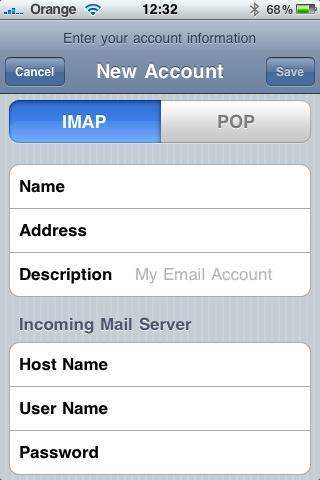
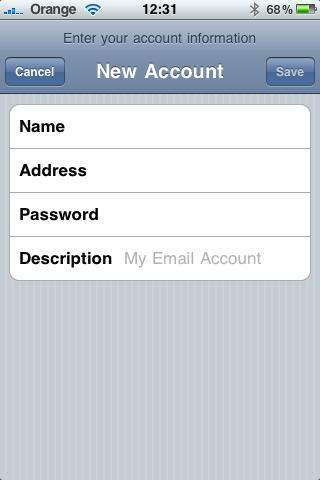
At the top choose the type of incoming e-mail server type you wish to use.
IMAP keeps a copy of email on the server which lets you access the same email from webmail as well. Email kept on the server is backed up daily should you ever require it.
POP downloads all email to your computer and removes it from the server. As such we will be unable to backup your email and webmail will only show you email that your iPhone hasn't already seen.
We highly recommend IMAP if you are unsure.
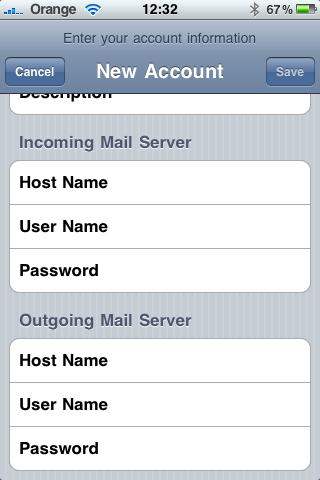
Enter the 'Incoming Mail Server' settings (including your password) as shown and then scroll down.